
Overview
About this game
☆What kinda game is this?
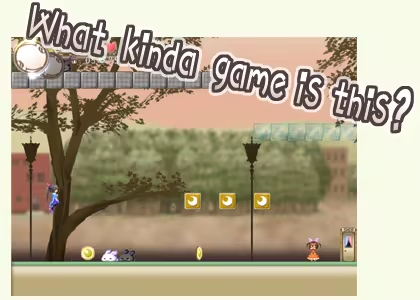
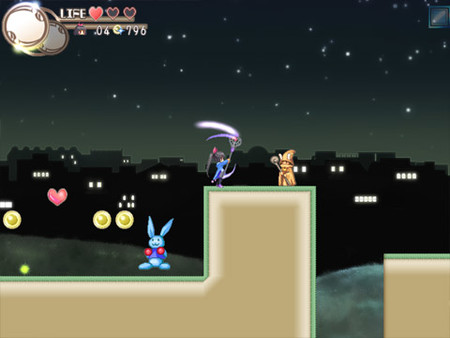
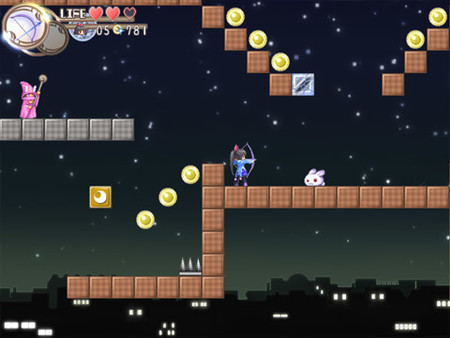
It's a platformer about magic and whacking things!
What does that mean?
It means you go around whacking enemies with your staff to get their magic!
But ultimately, all you need to do is make it to the goal!

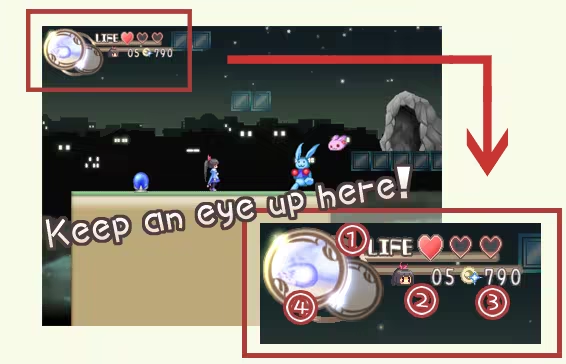
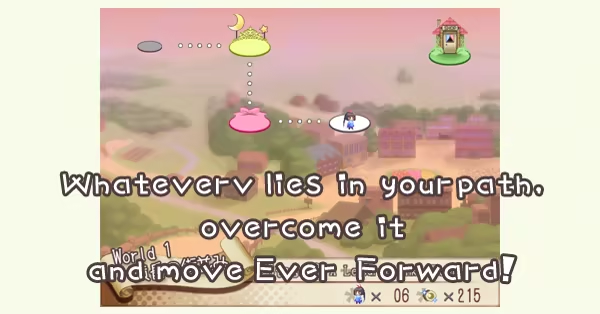
- 1) Life - These hearts are Tobari's health. Her guts! Snacking on her favorite foods might give her more♪
- 2) Tobaris - The number of chances Tobari has left. Falling in a pit or losing all your health will use one up. If you run out, it's Game Over for you!
- 3) Coins - Your money. Used to buy goods at the shop. There's loads of it to be found! Makes the world go 'round!
- 4) Magic - The spells Tobari has on her. She can hold two at a time. Be smart about switching between the slots! The pause menu also has a brief description of your current spell.
Default Keys
(Going to Key Config is recommended before you start playing.)
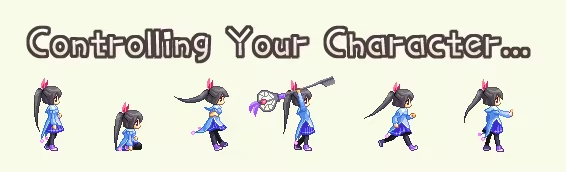
- Arrow Keys/Direction Pad - Moves Tobari around or makes her duck. Up and Down let her climb ladders. She'll dash around everywhere - no need to hold any buttons♪
- Z/PADButton0 - Uses your current spell! (Serves as the confirmation key on menus.) When you don't have any magic, you can give things a whack with your Keystaff. If the enemy you whack possesses some magic, you'll get their Magic Medal!
- X/PADButton1 - Makes Tobari jump. (Serves as the cancel key on menus.) You can jump a little higher by holding it longer. Give it a tap, and it'll just be a little hop.
- C/PADButton3 - Hold this while moving, and Tobari will walk instead of run. Handy for precise movements. It could have its uses!
- V/PADbutton4 - Poofs away your current magic, leaving it behind in medal form. Go ahead and discard any magic you don't need. It'll disappear soon enough, so it won't get in your way!
- B/PADButton5 - Switches between your two spells. Make smart use of the two slots! Be careful, as you can't switch spells in the middle of using one!
- SPACE/PADButton6 - Opens the menu. If you're in gameplay, you have the option of returning to Stage Select. If you're on Stage Select, you can return to the title screen. Take short breaks if you must!
Other Keys
- Alt+Enter - Switch between fullscreen and windowed modes.
- Escape - Another button that can be used to open the menu.