
Overview
About this game
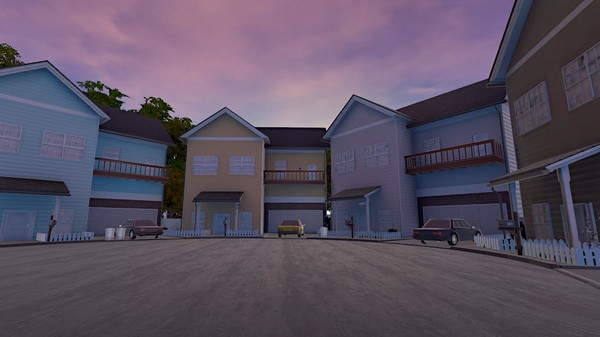
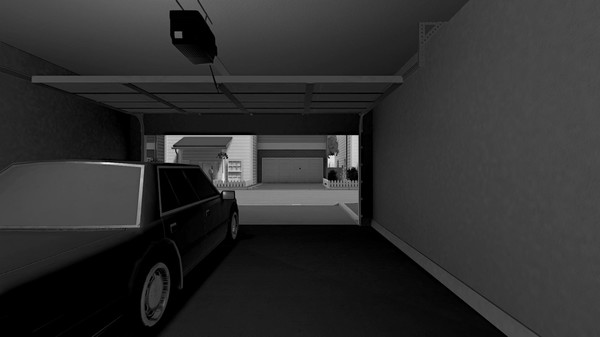
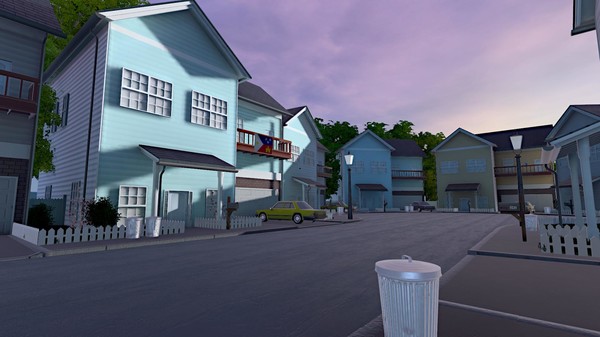
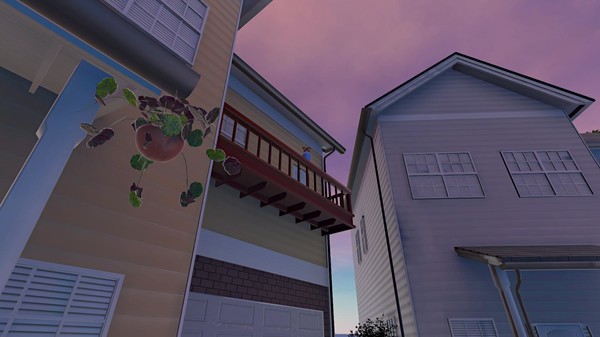
Evangeline™ is a short narrative game where color guides you through the world. Set in the 1980s, you are thrown into a strangely familiar monochrome neighborhood and must piece together the story as you play.
Inspired by the loss of a loved one, Evangeline™ is about life, love, and loss, and will invite you to connect with those you care about.
Fans of games like Dear Esther, Journey, and Gone Home will feel right at home. Whether you want an emotional story that will give you a new perspective on love, or an exciting game mechanic where color guides you, Evangeline™ has something for everyone.
Evangeline™ was designed to be accessible by both hardcore and casual gamers. It has also been tailored to be enjoyable for most levels of color perception, such that color blind players should be able to enjoy the game no matter their situation.
To access VR mode in Evangeline:
1. Open your game library
2. Right click on Evangeline and hit Properties
3. Click the BETAS tab
4. Click the dropdown
5. Select the "vrbeta" option
6. Hit Close
The VR version will then be downloaded! To switch back to the regular non-VR version, repeat the steps above and opt out of the vrbeta option.
Inspired by the loss of a loved one, Evangeline™ is about life, love, and loss, and will invite you to connect with those you care about.
Features:
- Play the definitive edition of Raconteur Games' Evangeline™, featuring post-game extras, developer commentary, VR support and more.
- Relax in a calming, serene environment. There is no way to fail, die, or run out of time ‒ Evangeline™ lets you play at your own pace.
- Explore a detailed 1980s neighborhood to discover a life-changing act of love.
- Experience a stunning world brought to life through the guidance of color.
Fans of games like Dear Esther, Journey, and Gone Home will feel right at home. Whether you want an emotional story that will give you a new perspective on love, or an exciting game mechanic where color guides you, Evangeline™ has something for everyone.
Evangeline™ was designed to be accessible by both hardcore and casual gamers. It has also been tailored to be enjoyable for most levels of color perception, such that color blind players should be able to enjoy the game no matter their situation.
How to Access VR Mode
To access VR mode in Evangeline:
1. Open your game library
2. Right click on Evangeline and hit Properties
3. Click the BETAS tab
4. Click the dropdown
5. Select the "vrbeta" option
6. Hit Close
The VR version will then be downloaded! To switch back to the regular non-VR version, repeat the steps above and opt out of the vrbeta option.